


BC Game mobile opens the existing account
BC Game Costa Rica mobile access does not create a second Wallet. The same account carries Transaction, My Bets, Rollover, Casino, Sportsbook and Security between desktop and phone.
A mobile visit can therefore be as short as checking one ticket or Deposit. Nothing forces the player to start a new session simply because the app or browser is open.
After a device change, a known Transaction or settled ticket can confirm that the correct account has been opened.
Android browser access comes first
Chrome can run the responsive BC Game site with the main Casino, Sportsbook, Wallet and Bonus functions. Installing an APK is optional rather than required for basic account access.
If the current BC.GAME page displays Android download or Install App, use that route. Third-party APK portals are not necessary.
Installing BC Game on Android
The published installation process keeps the package source tied to a verified BC.GAME route.
1. Open BC.GAME in Chrome through the published site or a mirror listed by BC.GAME.
2. Use Android download or Install App if the current page displays it.
3. If an APK is offered, open the file from Chrome or Downloads.
4. Approve installation only for the file obtained from that verified route.
5. Launch BC Game and sign in with the same account used on desktop.
6. Remove temporary unknown-app permission when Android no longer needs it.
Android Home Screen shortcut
Players who prefer browser access can add BC Game to the Home Screen. The icon is a shortcut to the responsive site rather than a separate account.
Removing the shortcut does not remove Wallet, tickets or bonuses. If the route changes, create a new shortcut from the verified page.
iPhone and iPad
Open BC Game in Safari, use the Share menu and select Add to Home Screen. The resulting shortcut opens the existing mobile account and Wallet.
Safari may ask for login again after cookies are cleared, but the server-side account records remain unchanged.
What stays synchronized
BC Game keeps the main account areas tied together across supported devices.
| Area | Synced account data |
| Login | Email/phone or connected Google/Telegram access |
| Wallet | Balance, Deposit, Withdraw and Transaction |
| Casino | Slots, Live Casino, Table Games and BC Originals |
| Sportsbook | Pre-match and live markets, bet slip and My Bets |
| Bonus | Campaign status, bonus balance and Rollover |
| Security | Verification, password and Google Authenticator 2FA |
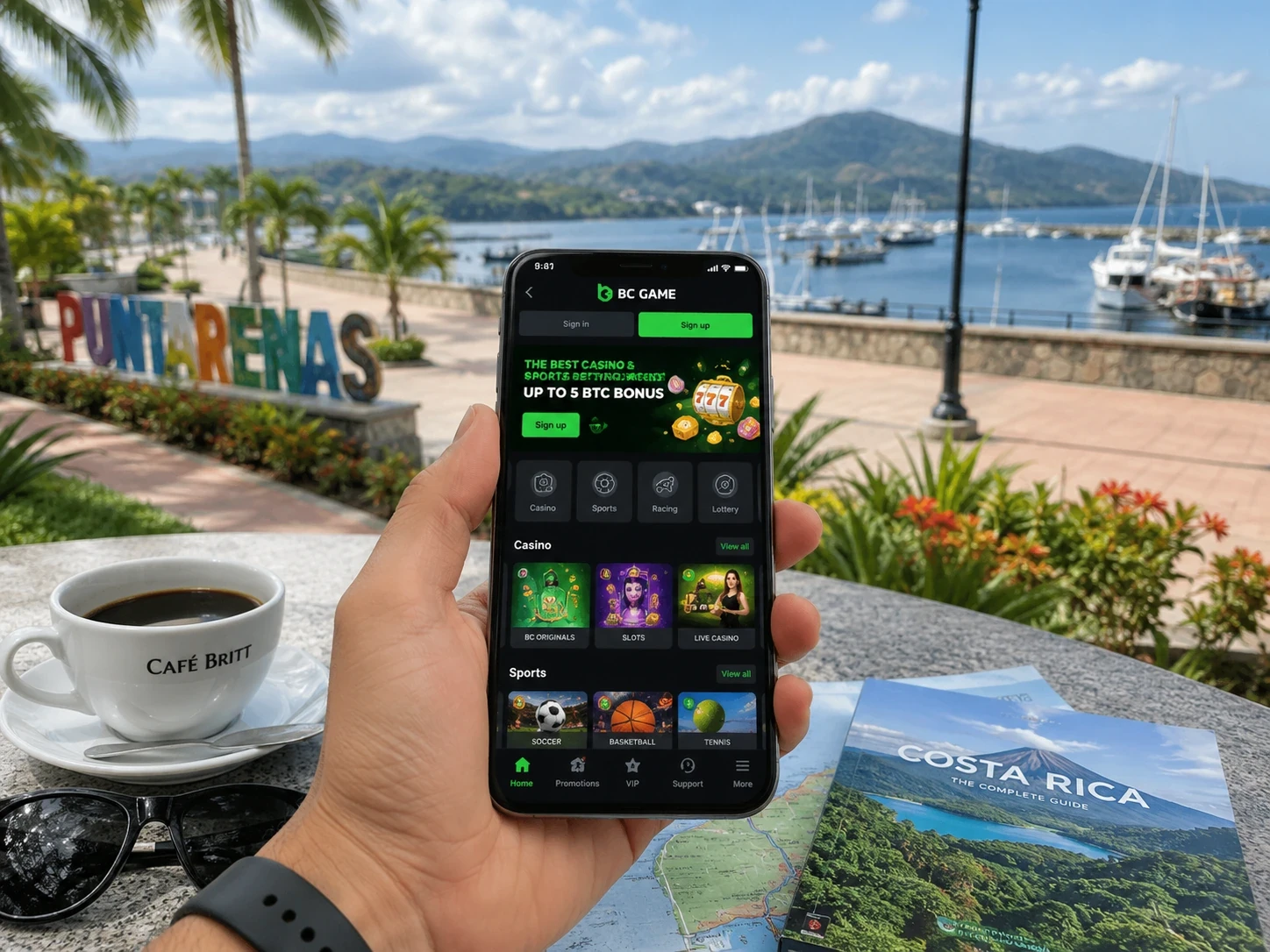
Mobile login and 2FA
Use the authentication method already linked to the BC Game account. Google or Telegram accounts should be reopened through the matching provider button.
With 2FA enabled, enter the current Google Authenticator code after normal login. Automatic date/time synchronization on the phone helps prevent repeated code failures.
Crypto Deposit from a phone
Open Wallet > Deposit, select the cryptocurrency and blockchain network, then copy the displayed address. Include Memo, Tag or Destination ID when BC Game displays one.
Complete the transfer in the external wallet and monitor Wallet > Transaction. Mobile access does not change network-matching requirements.
Sportsbook on a smaller screen
Sport and competition filters are particularly useful on mobile because they reduce a crowded schedule before you open an event.
The bet slip remains the final review point for market, selection, displayed odds and stake. My Bets stores the resulting ticket regardless of device.
Casino on mobile
Search, Favourites and game information remain available in the mobile Casino. The layout is smaller, but the game rules and bonus contribution do not change.
After a connection interruption, check game history before repeating a round.
BC Game mobile troubleshooting
Most common issues have a clear first check and do not require creating another account.
- Site will not load: check the current BC.GAME domain or a published mirror.
- Shortcut is outdated: remove it and recreate it from the verified page.
- APK will not update: use the update route shown by BC Game.
- 2FA fails: synchronize phone date/time and enter a newly generated code.
- Deposit is missing: check Transaction and keep TxID/hash, network, amount and destination.
- Sports ticket question: open My Bets and save the ticket ID.
BC Game App access is not tied to one installation method
Android users can move between Chrome, a Home Screen shortcut and the package offered by BC Game without changing the underlying account.
That makes browser access a complete fallback if an APK needs an update or if the player simply prefers not to install one.
A new phone should still show familiar BC Game records
After a device change, use the same login method and check a known Transaction, settled ticket or Favourite before making a new Deposit.
Recovery access and Google Authenticator should also be confirmed before an important Withdraw is attempted from the new device.
Mobile access can be used only for monitoring
BC Game mobile does not need to begin with a wager. A player can check My Bets, confirm a Deposit, read a Rollover deadline or verify a balance and close the session.
That is one reason synchronization matters: an account check on mobile should leave the next desktop session with the same clear state.
Connected login providers need their own protection
Google or Telegram can simplify BC Game login, but the security of the connected provider also matters. A shared device should not keep those external accounts signed in longer than necessary.
After moving to a new phone, recovery access and Authenticator setup should be confirmed before important Wallet activity.
BC Game mobile keeps promotional state intact
A promotion claimed on desktop remains attached to the same BC Game account on mobile. Rollover does not restart because the device changed, and an eligible voucher remains part of the same profile.
That continuity allows a player to check an expiry or remaining requirement on the phone without changing how the promotion is calculated.
BC Game App FAQ
Do I need a separate BC Game mobile account?
No. Mobile and desktop use the same BC Game profile when you sign in through the same authentication method.
Can Android use BC Game without an APK?
Yes. Chrome can access the responsive site and use the main Casino, Sportsbook and Wallet functions without installing a package.
How do I add BC Game on an iPhone?
On iPhone, load the verified BC.GAME page with Safari, open Share, then add the page to the Home Screen. The new icon points back to the same BC Game profile rather than creating another account.
Where do I check a mobile crypto Deposit?
Open Wallet > Transaction. If the sending wallet shows completion, keep the TxID/hash, asset, network, amount and destination for review.