


BC Game Bonuscode and Bonuslink are different redemption tools
BC Game supports manual code redemption through the Bonus area, while Bonuslinks use campaign-specific web routes that can attach an offer after an eligible user signs in.
Either format can carry free coins, vouchers, wagering, level requirements, expiry, verification or one-account restrictions. The redemption method does not define the full reward terms.
Where BC Game promotions can appear
BC Game can distribute codes and links through several campaign channels.
- BC.GAME social channels and campaign announcements.
- Telegram/community activity.
- BC.GAME forum and community events.
- Promotional pages linked from BC.GAME.
- Time-limited event campaigns.
How to redeem a BC Game Bonuscode
1. Sign in to the BC Game account you intend to use.
2. Open Bonus.
3. Locate the redemption field.
4. Paste the complete Bonuscode, including special symbols.
5. Select Redeem Code.
6. Read the confirmation, reward amount, expiry and wagering.
7. Open Rollover if the reward creates a requirement.
Bonuscode, Bonuslink and First 4 compared
| Format | How it works |
| Bonuscode | Manual entry inside Bonus; can create free coins, a voucher or another campaign reward |
| Bonuslink | Campaign URL that connects an eligible account to a promotion |
| First 4 | Selected during Deposit as Casino Bonus or Sports Bonus across four tiers |
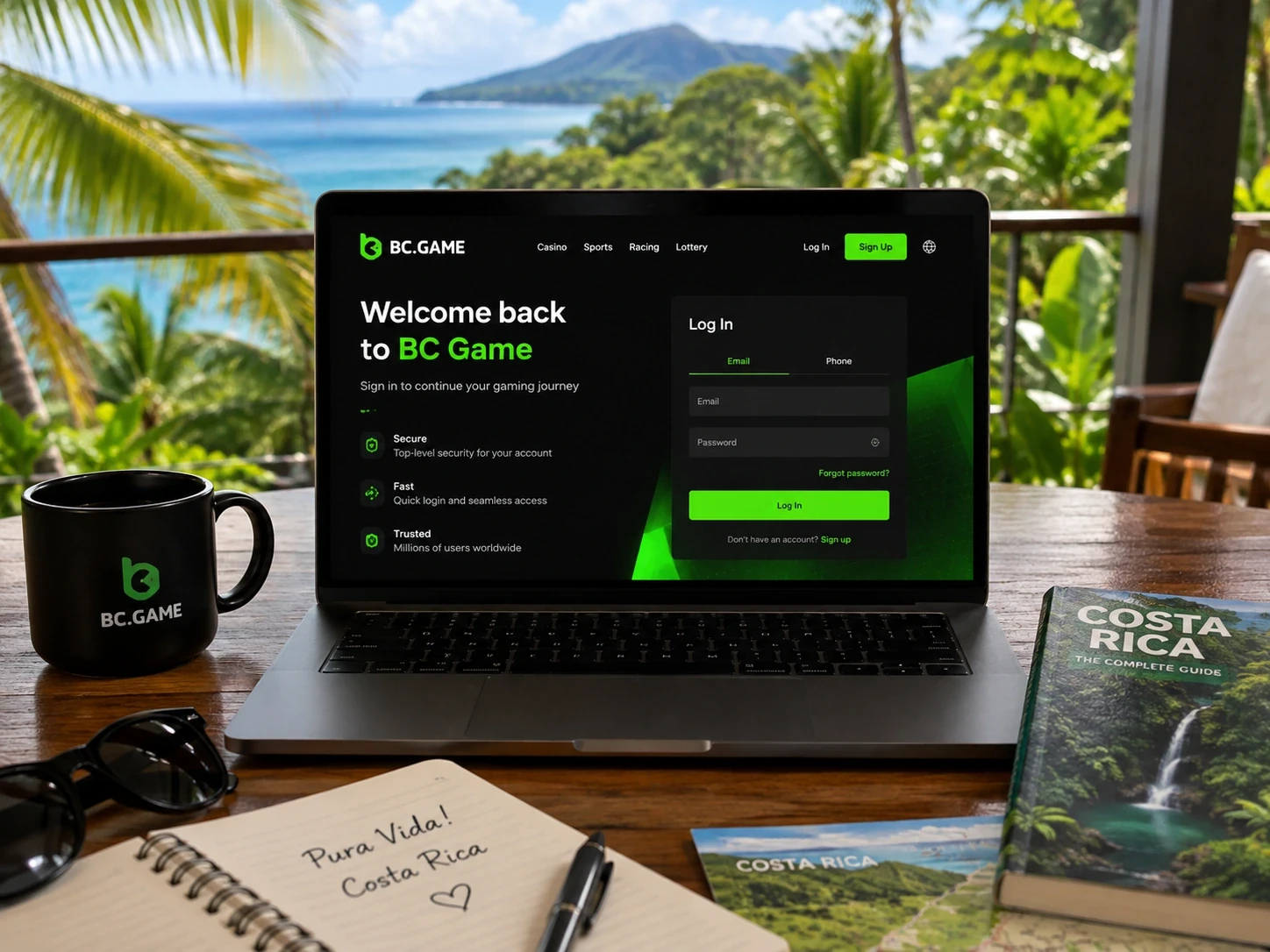
A Bonuslink should end with an account-side confirmation
Check the destination host before entering BC Game credentials. A link can shorten the path to a campaign, but it should not bypass normal login security.
After login, confirm eligibility, reward and conditions inside Bonus, Wallet or Rollover. The account-side state matters more than the message where the link was originally found.
Why a Promo Code can fail
Expired means the claim period ended. Claim limit reached means the available allocation has been used. Level requirement points to account qualification. Already claimed reflects a previous claim.
Wrong code format usually points to the string itself; Campaign restriction can involve account, region, product or verification. Re-entering the same code cannot change those conditions.
| Message | Typical meaning |
| Expired | The claim window ended |
| Claim limit reached | The available reward allocation was exhausted |
| Level requirement | The account does not meet the required level |
| Already claimed | The user/account/device/IP is no longer eligible |
| Wrong code format | A character or symbol is missing or incorrect |
| Campaign restriction | An account, region, product or verification condition is not met |
What to send BC Game Support
A useful Promo Code case focuses on one campaign. The exact code or campaign name, screenshot of the error, approximate UTC time and source usually provide a clear starting point.
If the message refers to level, include the current level. If the campaign depends on a Deposit, keep the relevant Transaction. Unrelated bonus history is not needed.
Identify the reward after redemption
A successful claim can create free coins, a voucher, a bonus balance, a FreeBet or a new Rollover entry. BC Game does not treat every reward as unrestricted cash.
Reading reward type, expiry and wagering immediately after redemption makes the next step clear.
Independent Bonuscode wagering
A Bonuscode reward can create wagering. When it does, Avatar > Wallet > Rollover shows the remaining amount and expiry.
Contribution can differ from First 4. BC Game applies the campaign's own rules rather than one universal Promo Code formula.
Old Bonuslinks can outlive the promotion
A social post, bookmark or community message can remain visible after a campaign has ended. The link itself is not proof that allocation or eligibility remains active.
Open the current campaign path and use the account response as the source for present eligibility.
Security during redemption
BC Game Support does not need a password, live Google Authenticator code, seed phrase, private key or recovery phrase to review a Bonuscode or Bonuslink.
If a supposed reward requires one of those secrets, stop and verify the request through an official BC Game Support route.
BC Game Promo Codes can create different reward types
A successful claim can create free coins, a voucher, a FreeBet, a bonus balance or a new Rollover entry. Redeem Code should therefore be followed by an account-side check rather than an automatic wager.
Identify the reward type and expiry first. BC Game shows whether the campaign also created a wagering requirement.
A correctly typed code can still be ineligible
A Bonuscode can be perfectly formatted and still fail because of expiry, claim allocation, previous claim or account level.
The BC Game error message is more useful than randomly editing the string, because it points to the condition that needs to be checked.
A BC Game Promo Code can stay visible after eligibility ends
Campaign posts and saved links can remain online after the claim window closes or allocation runs out. The current account response is therefore more reliable than the continued existence of the original message.
A successful redemption should be confirmed inside Bonus, Wallet or Rollover, where BC Game shows the reward type and any remaining condition.
BC Game Promo Code rules belong to the campaign that created the reward
An independent campaign can use its own cap, expiry, contribution or wagering logic. BC Game therefore treats the campaign as the source for those conditions instead of applying First 4 rules to every code.
Rollover should be read together with the campaign name so the remaining requirement is interpreted against the correct terms.
A BC Game Promo Code should be evaluated by the reward it creates
The visible code is only the entry point. After redemption, the account may receive free coins, a voucher, a FreeBet or promotional balance, and each type can require a different next step.
BC Game shows the resulting state inside Bonus, Wallet or Rollover so the player can read the campaign outcome before using it.
BC Game keeps reward confirmation inside the account
The account-side result should be checked before wagering so an old campaign message is not mistaken for the current reward state.
BC Game Promo Code FAQ
Where do I enter a BC Game Bonuscode?
Sign in, open Bonus and use the redemption field. Enter the complete code and read the confirmation before using the reward.
Can a free code still require wagering?
Yes. A free-to-redeem reward can create Rollover, expiry or other conditions. The specific campaign defines what applies.
What should I do if BC Game rejects a code that looks correct?
Keep the exact code, error, approximate time and source. If the campaign does not explain the condition, contact Live Support or [email protected].
Should I send my password or 2FA code to Support?
No. BC Game Support does not need your password, live authenticator code, seed phrase, private key or recovery phrase for a Promo Code review.